
 As a small business owner, you’ve likely heard that incorporating video into your marketing strategy is critical for success. However, figuring out how to produce high-quality video content can be daunting. Today, we’ll dive into the essentials of audio and video equipment to elevate your marketing materials without breaking the bank.
Why Lighting and Audio Matter
Two key elements for creating effective video content are lighting and audio. Good lighting improves the quality of your video, setting the tone and mood. Whether you’re aiming for a serious or light-hearted message, the right lighting can enhance your storytelling. Equally important is audio quality; viewers are quick to abandon videos with poor sound. Ensuring clear and crisp audio is vital for keeping your audience engaged.
Getting Started: Equipment Basics
Camera: iPhone vs. Android
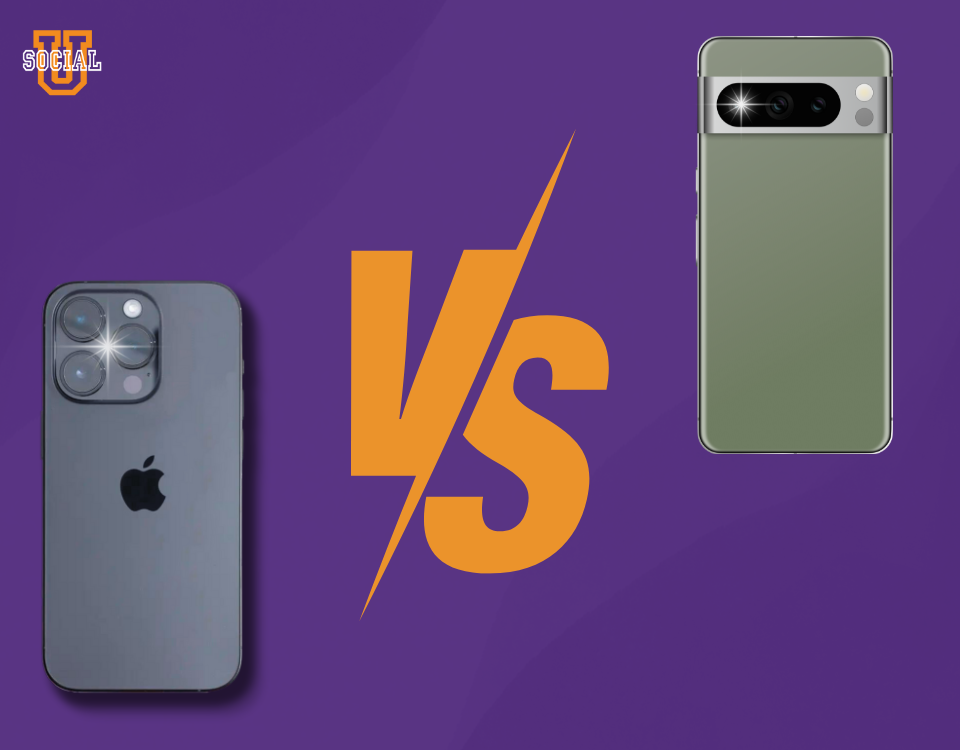
While various devices are available, the iPhone stands out for video quality. The camera on newer iPhones produces superior footage compared to many Android devices. Clients often provide video shot on Android phones that, unfortunately, is too pixelated for use. If you aim for the best quality, consider using an iPhone or a MacBook for recording.
Stabilization: Camera Stands and Tripods
A level camera is crucial for professional-looking video. Initially, a simple box might suffice to stabilize your camera. However, investing in a laptop stand or an iPhone holder can significantly enhance your setup. A sturdy laptop stand, such as a $30 adjustable model, provides stability and allows you to work comfortably during video calls and recordings. Complementing it with a separate keyboard and mouse can streamline your workflow, especially during meetings or live sessions.
Streaming: StreamYard
For streaming, StreamYard is a versatile tool that simplifies broadcasting across multiple platforms. At $25 a month, it allows you to stream simultaneously on Facebook, YouTube, and LinkedIn. StreamYard also offers features like overlays, logos, tickers, and screen sharing. It’s particularly beneficial for podcasting or when you have remote guests. The platform supports up to 10 on-screen participants and provides unlimited streaming and storage of your live sessions, making post-production and content repurposing easier.
Enhancing Your Setup: Additional Tools
Microphones
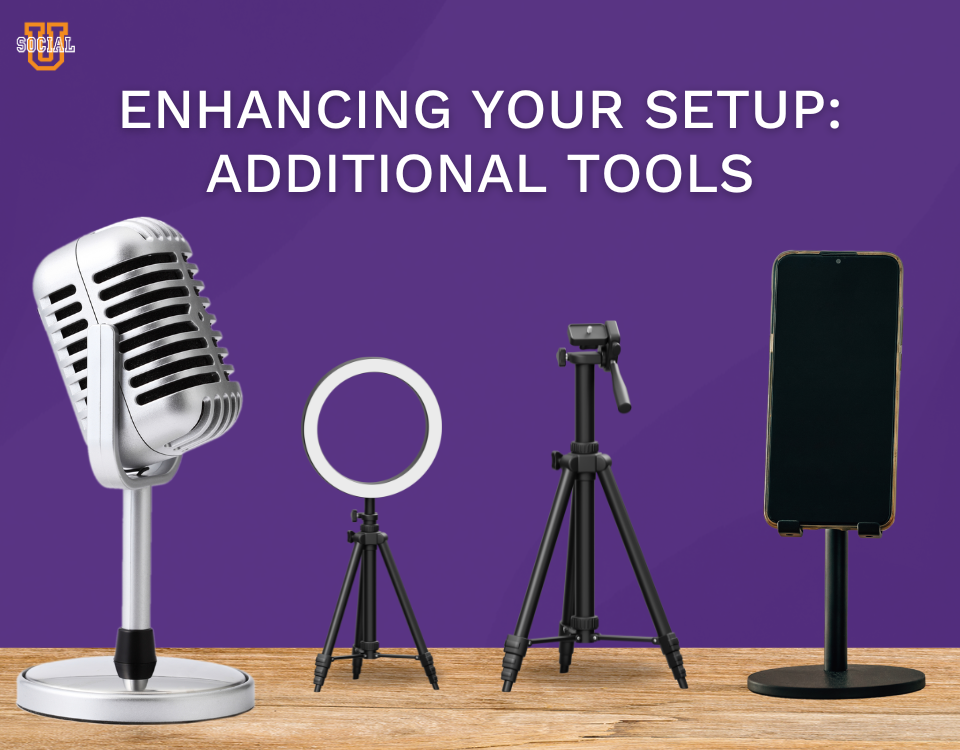
Audio clarity is non-negotiable. Investing in a quality microphone ensures your audience can hear you clearly. Options range from budget-friendly models like a $32 microphone to the higher-end Blue Yeti at $100. For podcasting or professional recordings, a good microphone is essential to avoid audio issues that can detract from your content.
Lavalier Microphones
For recording in noisy environments or during interviews, a lavalier microphone can be invaluable. Budget options start at $10, but a higher-quality $79 lavalier will effectively minimize background noise and provide clear audio.
Lighting
Good lighting transforms your video quality. While natural light is great, a ring light can be a game-changer, especially in low-light settings. When using a ring light, those who wear glasses should adjust their frames to avoid reflections. Options range from basic models to more advanced versions, both offering flexibility with remote control and adjustable settings.
Podcasting Tools
For those venturing into podcasting, additional tools and platforms can streamline the process.
Audio Editing: iMovie
Most of our post-production is done using iMovie, a user-friendly editing software that meets the needs of many beginners and professionals alike.
Distribution: Buzzsprout
Buzzsprout is a fantastic platform for podcast distribution, costing $12 a month for three hours of content and $18 for six hours. It offers features like magic mastering to optimize audio quality and automatically distributes your podcast across all major directories. Buzzsprout also provides a podcast website, detailed listener stats, and customizable players, making it an all-in-one solution for your podcasting needs.
Practical Tips for a Smooth Workflow
Laptop Stand and External Keyboard
Using a laptop stand and external keyboard can alleviate neck pain and make your work setup more ergonomic. These tools are particularly useful during Zoom meetings or extended video sessions, allowing for better posture and easier note-taking.
iPhone Holder
An iPhone holder, especially a goose-neck model, offers flexibility and stability for your phone. It’s perfect for behind-the-scenes footage or additional streaming angles, providing a secure and adjustable mount for your device.
High-Quality Video
Creating high-quality video content is within reach for any small business owner with the right tools and techniques. Whether you’re streaming live, recording a podcast, or filming marketing videos, investing in essential equipment can make a significant difference in your content’s effectiveness and professionalism. By leveraging tools like StreamYard, quality microphones, and proper lighting, you can produce engaging and polished videos that resonate with your audience.

0 Comments